Two Ways to Use a VPN
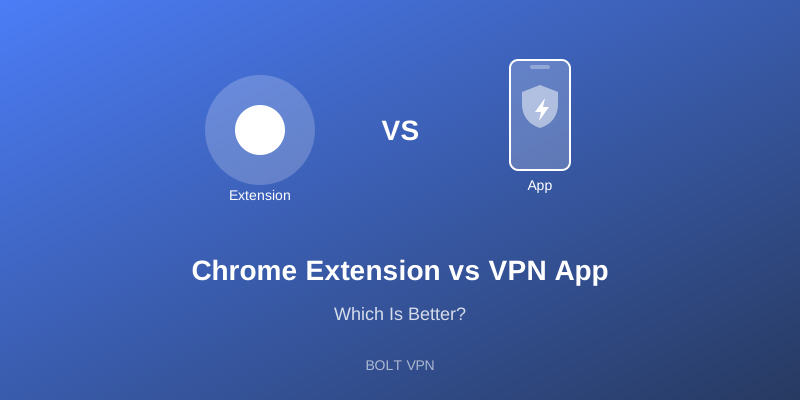
VPNs come in two main forms: browser extensions and standalone apps. Each has its place.
VPN Browser Extensions
How They Work
Browser extensions typically use proxy technology to route only your browser traffic through a secure server.
Pros
- Easy to install - One click from the Chrome Web Store
- Lightweight - Minimal system resources
- Browser-specific - Only affects your browsing
- Quick toggle - Turn on/off instantly
Cons
- Limited protection - Only covers browser traffic
- Weaker encryption - Often use HTTPS proxies, not full VPN
- No app protection - Other apps remain exposed
- Less reliable - May leak WebRTC data
VPN Apps
How They Work
VPN apps create a system-wide encrypted tunnel for ALL your internet traffic.
Pros
- Complete protection - All apps and traffic covered
- Stronger encryption - Full VPN protocols like WireGuard
- More features - Kill switch, split tunneling, etc.
- Better security - No WebRTC leaks
Cons
- More resources - Uses more battery and memory
- System-wide - Affects all internet activity
- Requires installation - Not just a browser add-on
When to Use Each
Use a Browser Extension When:
- You only need to protect browsing
- You're on a shared/work computer
- You want minimal system impact
- Quick, temporary protection needed
Use a VPN App When:
- You need complete protection
- You use multiple apps that need security
- You're on public WiFi
- Maximum security is priority
Bolt VPN Offers Both
Bolt VPN Chrome Extension - Quick browser protection
Bolt VPN Android App - Complete device security
Choose the right tool for each situation.